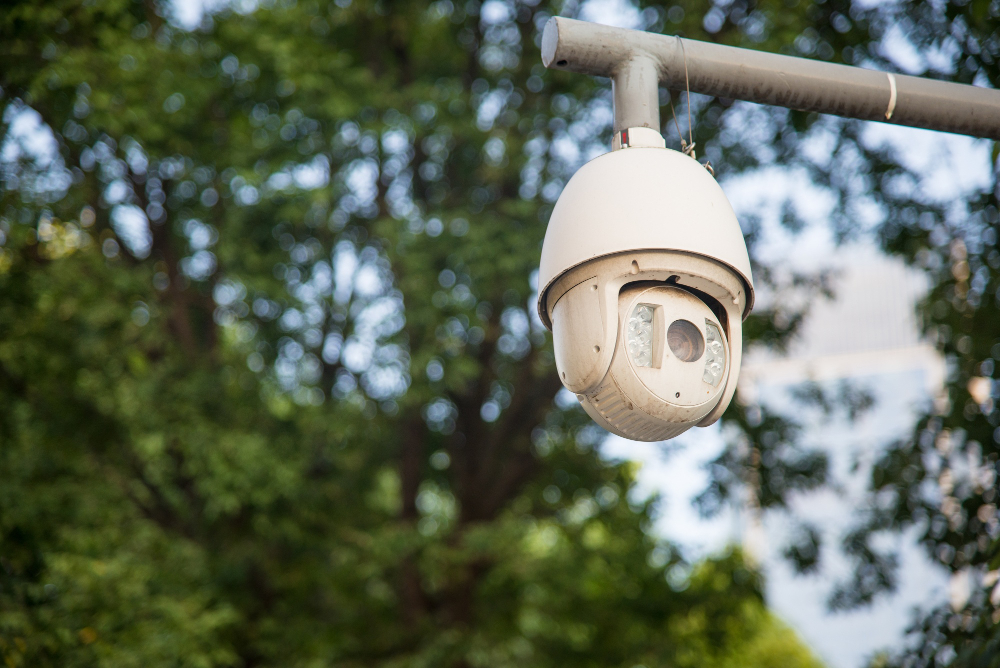
In an era where home security is more important than ever, choosing the right home security camera can make the difference between peace of mind and vulnerability. Today’s security cameras go far beyond basic surveillance, they now offer AI detection, color night vision, smart home integration, weather resistance, local and cloud storage options, and more. Whether you’re securing a small apartment or a large property, there’s a camera solution out there that’s right for you.
This guide breaks down what to look for in a camera, how modern security features work, and the top models worth considering in 2026, from budget picks to premium solutions.
Why Home Security Cameras Matter
A home security camera does more than record video, it:
- Detects motion and alerts you in real time.
- Captures evidence if a break-in occurs.
- Doubles as a deterrent to burglars or trespassers.
- Integrates with smart home systems like Alexa or Google Home.
- Lets you monitor your home remotely from anywhere.
Modern cameras often include smart detection, meaning they can distinguish between people, animals, vehicles, and even packages. This reduces false alerts and improves usefulness.
Key Features to Consider When Choosing a Home Security Camera
Before we look at specific camera models, let’s discuss the key features that define a great security camera in 2026:
1. Video Quality (Resolution)
Resolution determines how clear your footage will be. Most cameras now start at 1080p HD and go up to 4K Ultra HD. Higher resolution makes it easier to identify faces, license plates, and small details.
2. Field of View
This refers to how much area the camera sees. Wider fields of view (120° and above) cover more ground with fewer cameras. Some models also offer pan and tilt to track motion across a wider space.
3. Night Vision & Color Night Mode
Infrared night vision captures black-and-white footage in darkness, while color night vision uses lights or advanced sensors to capture color video at night.
4. Smart Detection & AI
AI can differentiate between humans, vehicles, animals, and more, reducing false alerts. Some cameras can even recognize familiar faces.
5. Storage Options – Local vs Cloud
Local storage saves videos to an SD card or Network Video Recorder (NVR), while cloud storage saves footage online. Some cameras offer both options.
6. Power & Connectivity
Battery-powered cameras are easy to place anywhere; wired or solar models offer more constant power. Wi-Fi connectivity is standard, but wired PoE (Power over Ethernet) supports more reliable networks.
7. Smart Home Integration
Integration with Alexa, Google Assistant, or Apple HomeKit allows voice commands and interconnectivity with other devices.
Top Home Security Cameras to Consider in 2026
Here’s a breakdown of standout cameras across various categories from budget-friendly options to advanced premium models.
1. Best Budget Indoor Cameras
These are ideal if you want basic home monitoring indoors without spending much.
TP-Link Tapo C200 Pan/Tilt Home Security Wi-Fi Camera
This compact Wi-Fi camera delivers impressive performance with pan and tilt functionality, allowing it to rotate and cover more area. Its intuitive app lets you control the view remotely, and it’s easy to set up without tools.
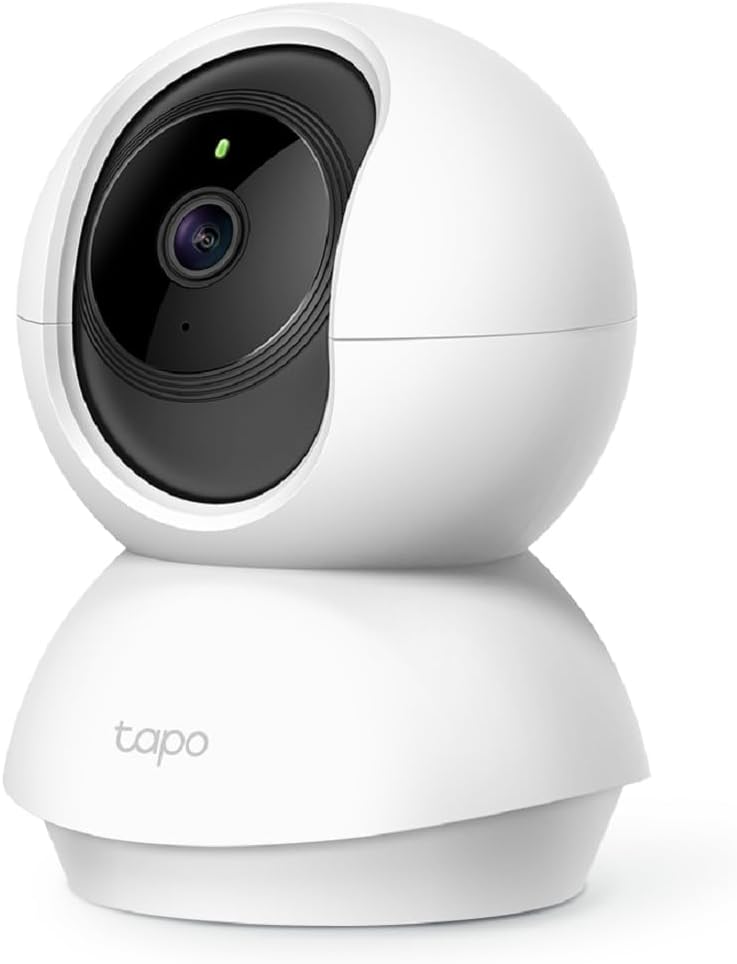 | Resolution: HD Best for: Homes needing affordable indoor surveillance Why it stands out: Excellent price-to-performance with pan/tilt coverage Price: $18–$25 Buy Now |
TP-Link Tapo C210 Pan/Tilt Home Security Wi-Fi Camera
A slightly upgraded version of the Tapo C200, this camera offers sharp video, motion detection alerts, and two-way audio – ideal for entryways, nurseries, or living rooms.
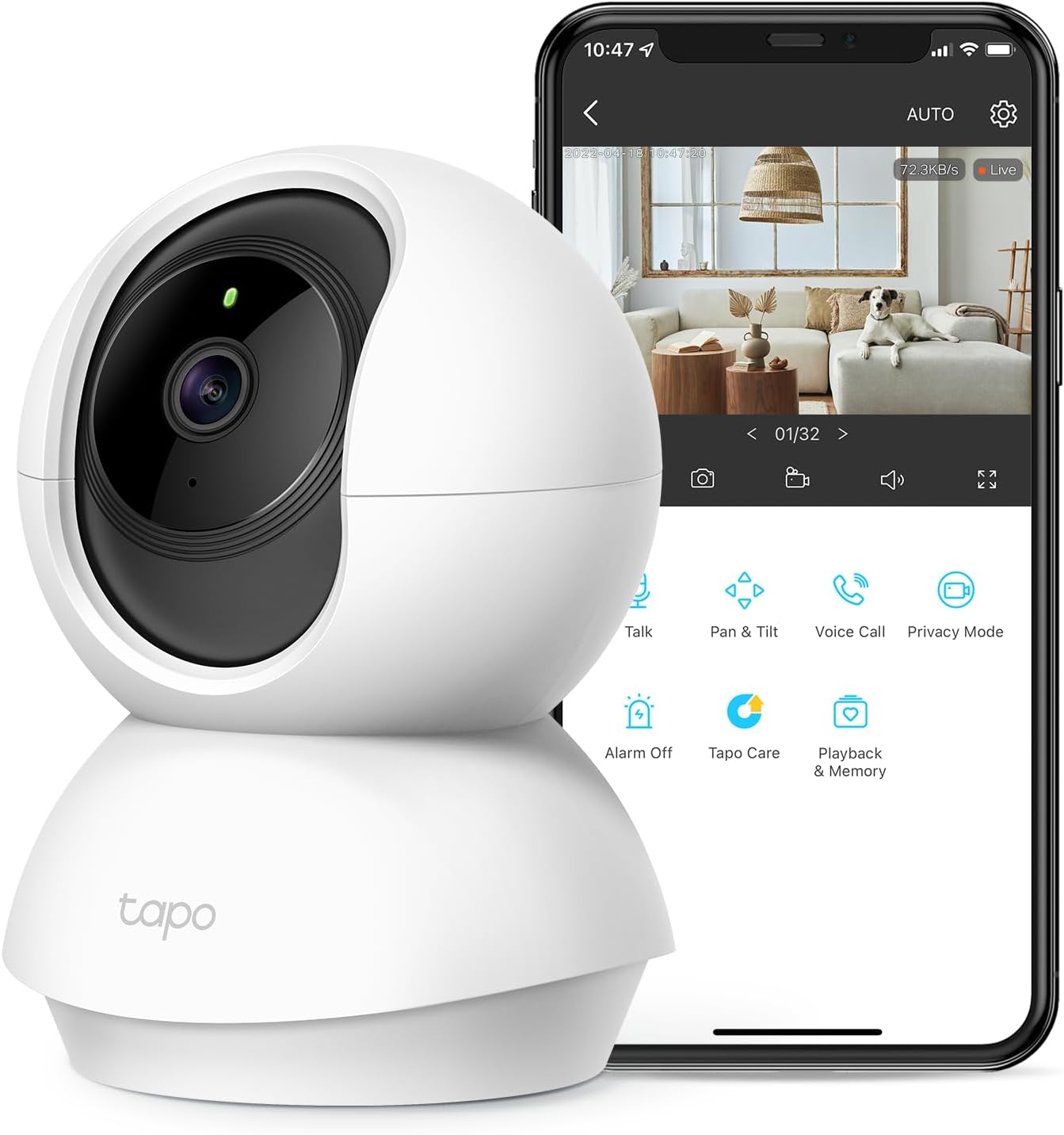 | Resolution: HD Best for: Small spaces or parents keeping an eye on kids/pets Price: $19–$25 Buy Now |
For tight budgets, this camera offers decent coverage and 2-way audio, making it a versatile choice for rooms where movement tracking matters.
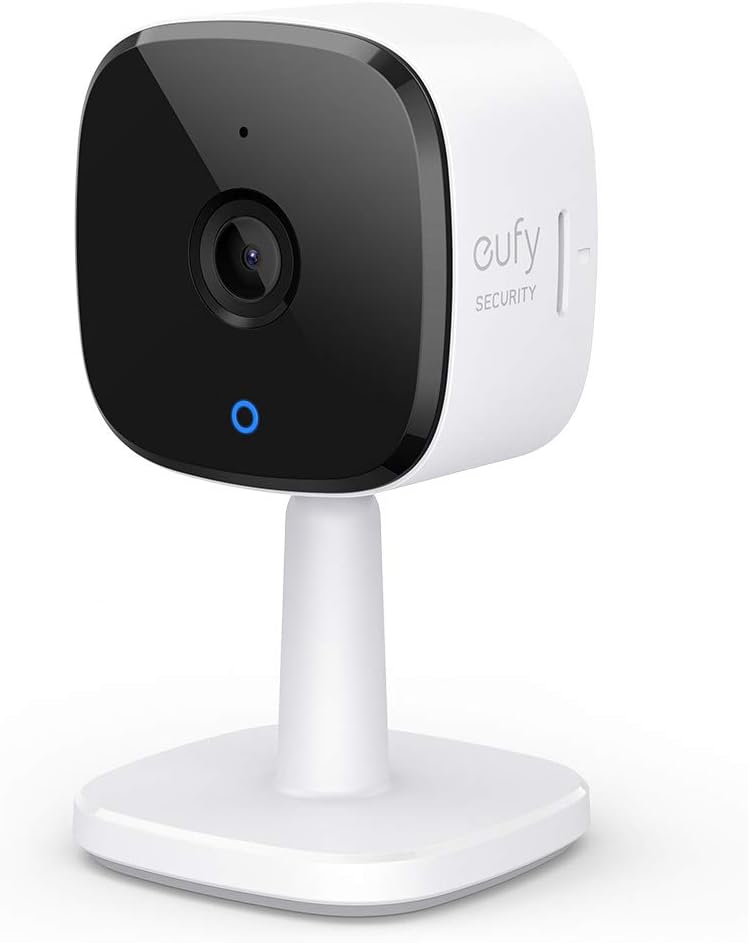 | Resolution: 3MP Best for: Affordable wide-area indoor security Price: $42.99 Buy Now |
Arlo Essential Security Camera 2K (2nd Gen)
These are excellent entry-level cameras with solid resolution and reliable night vision perfect for apartments or indoor zones without complex smart integrations.
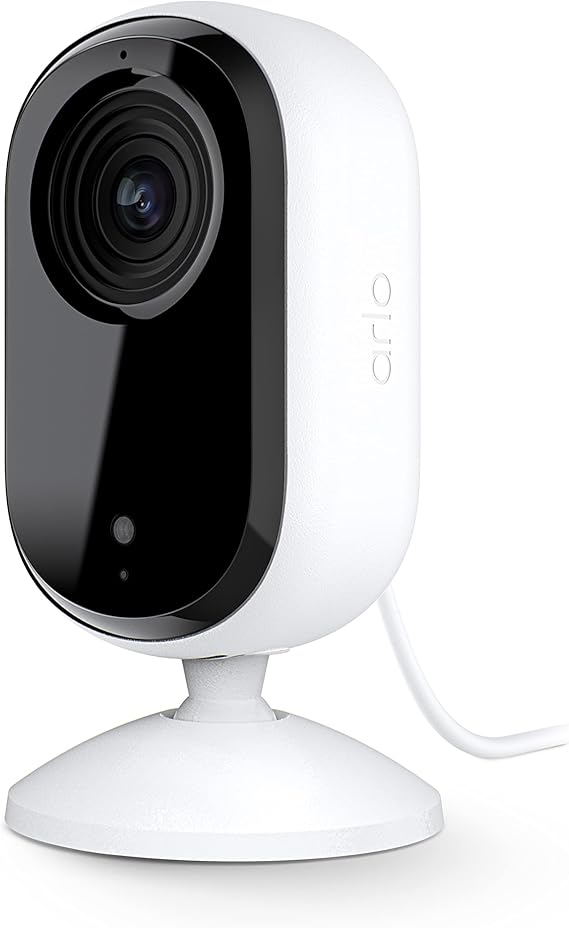 | Resolution: 3MP Best for: Affordable wide-area indoor security Price: $49.99 Buy Now |
2. Best All-Around Wireless Cameras
Wireless cameras are flexible and easy to install, suitable for both indoor and outdoor use.
Arlo Pro Series (e.g., Arlo Pro 5S 2K)
Arlo cameras remain some of the top recommendations for overall performance offering 2K HDR video, wide fields of view, and solid night vision. They also provide advanced motion detection and smart alerts.
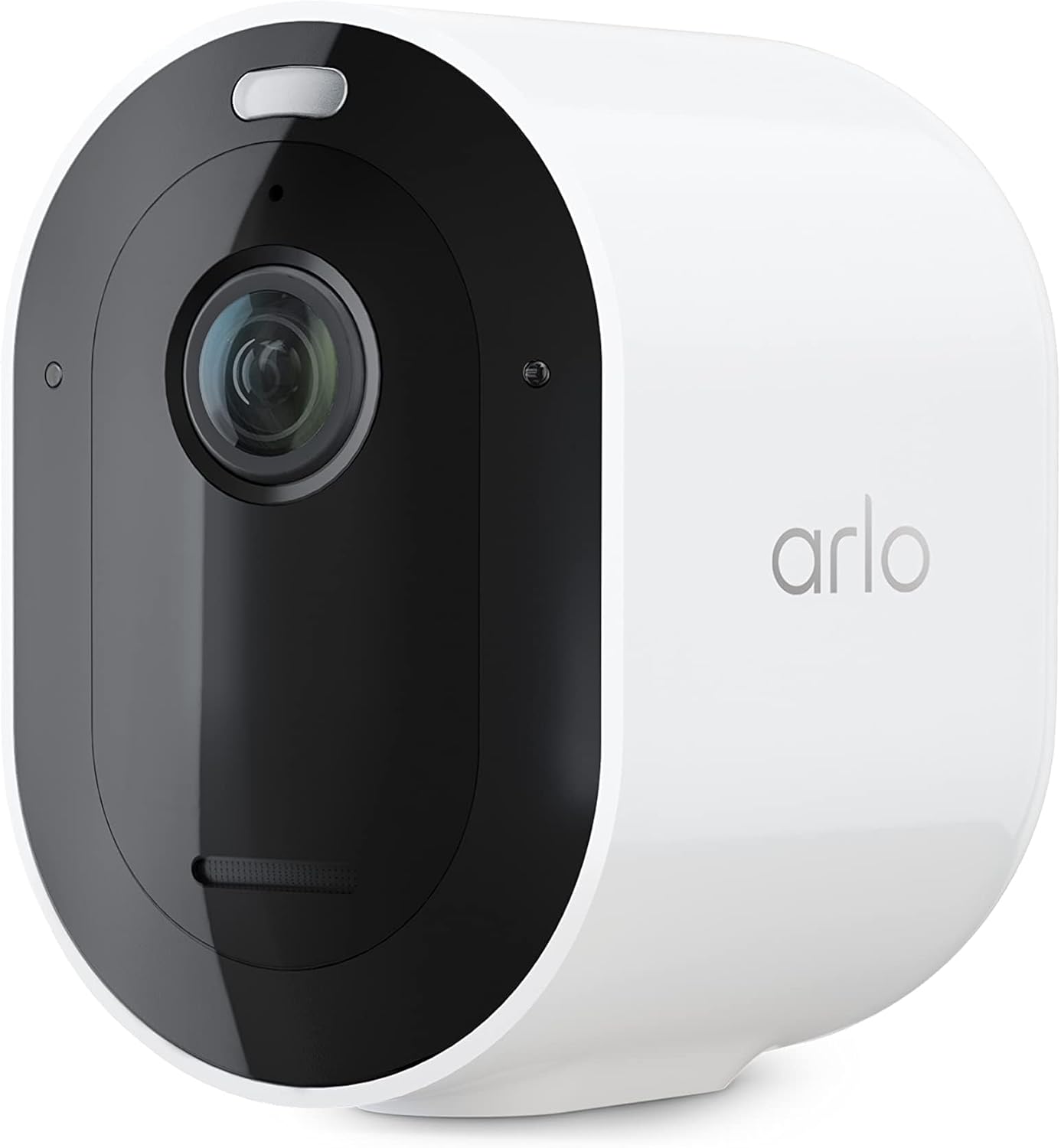 | Why it’s great: Excellent video quality and versatile placement Ideal for: Users who want premium wireless performance Price: $54.99 Buy Now |
Google Nest Cam (Battery, 2nd Gen)
Nest cameras are especially strong if you’re invested in the Google Home ecosystem. They offer intelligent alerts that can distinguish people, animals, and vehicles effectively.
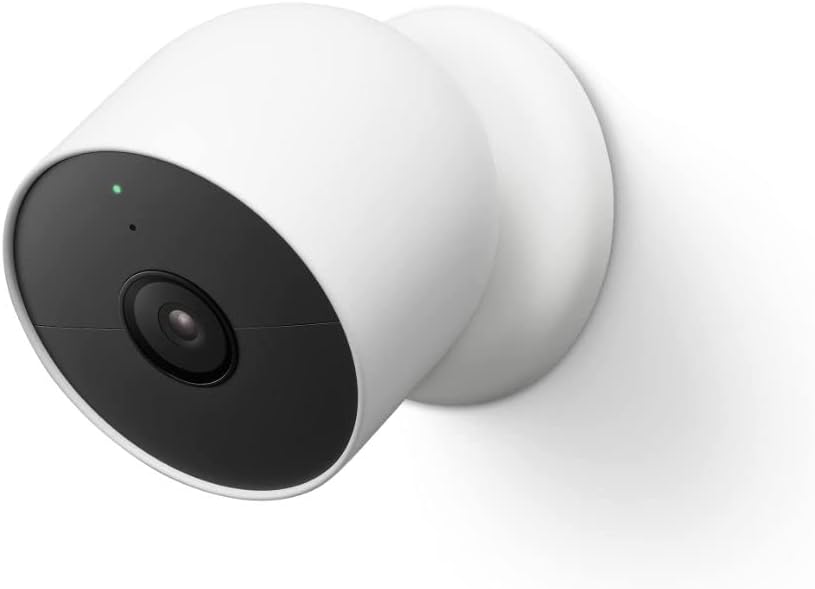 | Why it’s great: Smart detection backed by Google AI Ideal for: Google Home users with mixed indoor/outdoor needs. Price:$179.99 Buy Now |
3. Best Outdoor Security Cameras
Outdoor cameras must withstand weather while continuing to deliver clear video and reliable alerts.
Arlo Pro 5S / Arlo Ultra Series
Leading outdoor cameras with 2K or 4K resolution, HDR imaging, smart motion zones, and weather resilience. They work with major smart home assistants.
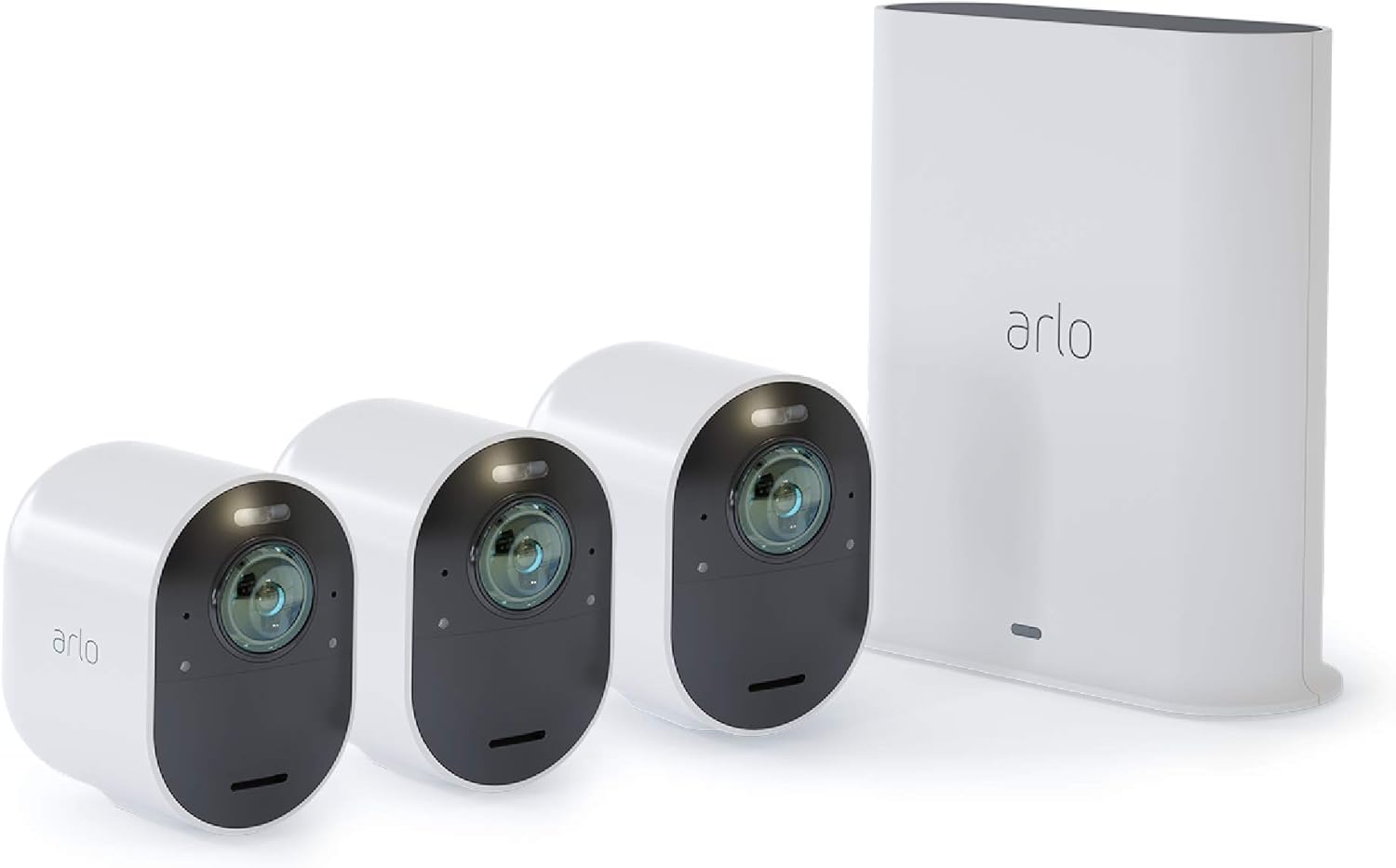 | Why it’s great: Arlo Ultra Series is great because it delivers crisp 4K HDR security video with a wide viewing angle, strong night vision, and smart alerts for reliable home protection. Ideal for: Homeowners who want premium, ultra-clear 4K security coverage. Price: $349.99 Buy Now |
Ring Floodlight & Spotlight Cams
Ring’s outdoor cameras, especially with floodlight or spotlight options provide both illumination and surveillance. Features like radar motion detection and bird’s-eye mapping offer smarter alerts.
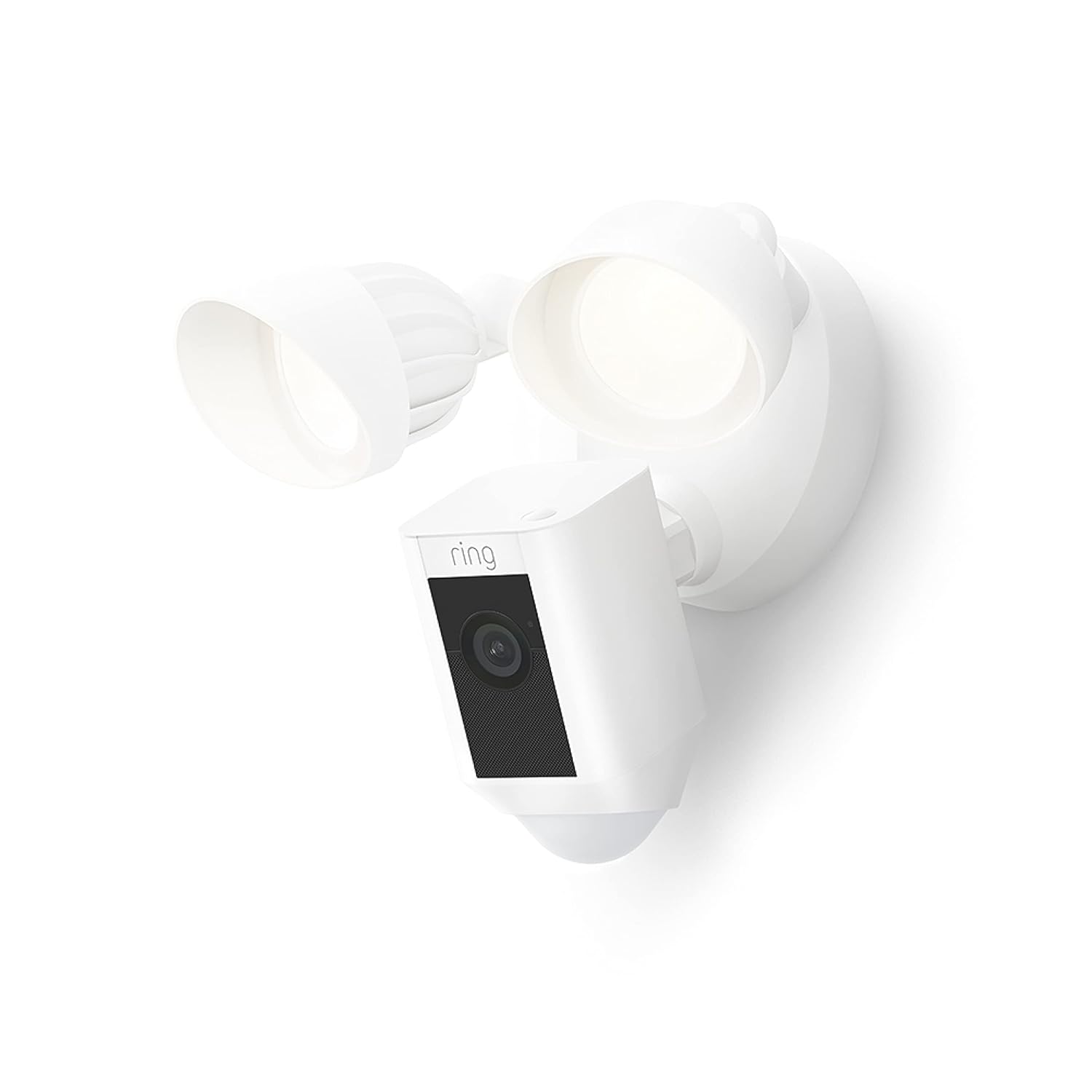 | Why it’s great: they combine bright motion-activated lights with clear video and smart alerts, helping deter intruders fast. Ideal for: driveways, garages, backyards, and side entrances where you want light + security in one Price: $129 Buy Now |
For those wanting high resolution and complete coverage, this camera offers 360° pan, tilt, solar charging, and local storage, eliminating ongoing subscription fees.
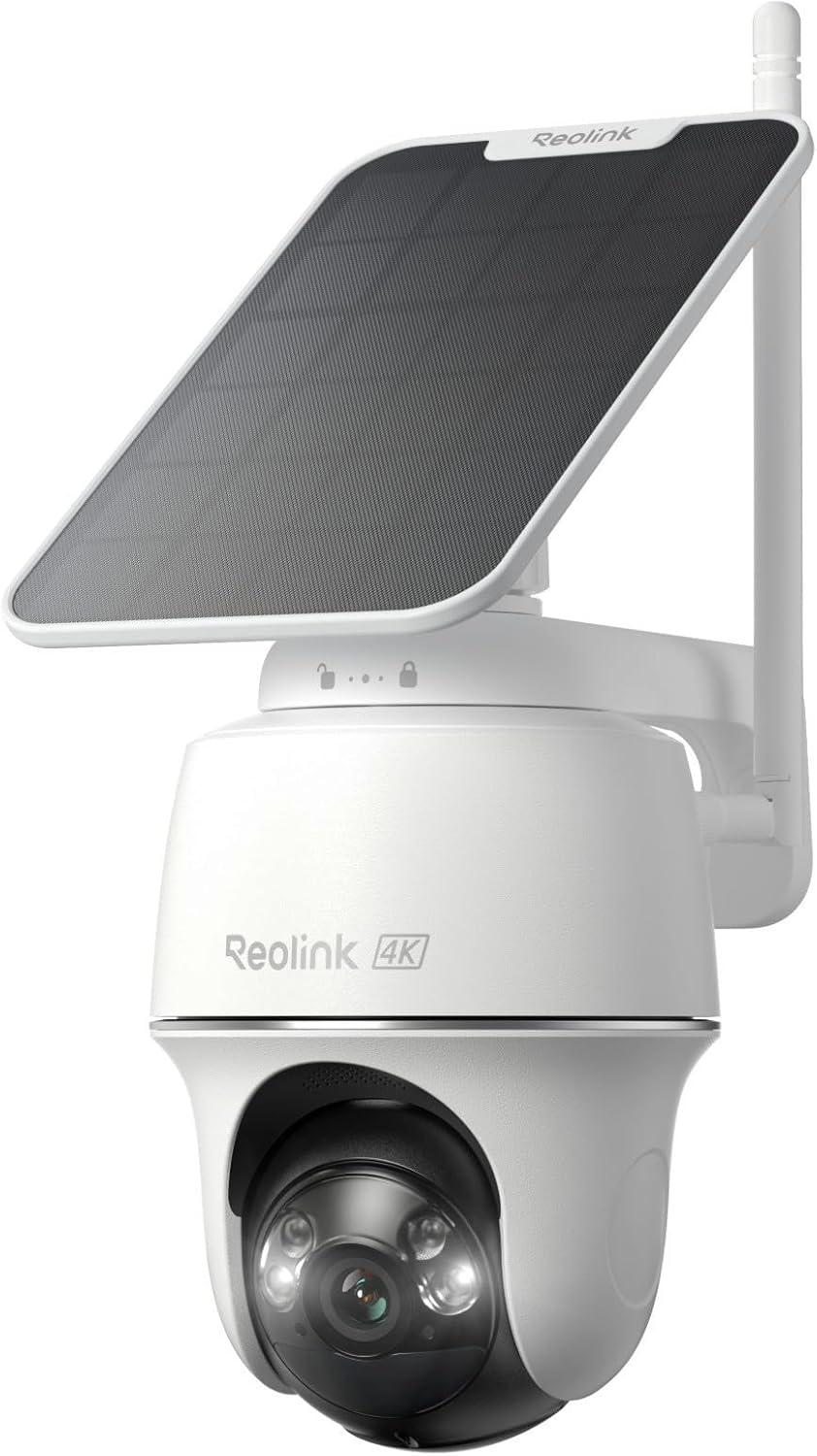 | Why it’s great: It gives sharp 4K wireless footage with pan-tilt coverage and flexible battery/solar power-ideal for easy outdoor setup. Ideal for: outdoor areas needing wide coverage Price: $100–$130 Buy Now |
- Why it’s great: Premium resolution with flexible power options
- Ideal for: Outdoor areas needing broad surveillance
4. Advanced & Specialty Cameras
These options shine if you want cutting-edge features or professional-grade monitoring.
Eufy SoloCam S340 / Eufy Floodlight Cam
Eufy cameras are known for privacy-focused designs, local storage options, and no continuous subscription requirements. Many models include dual lenses for wide coverage and detailed close-ups.
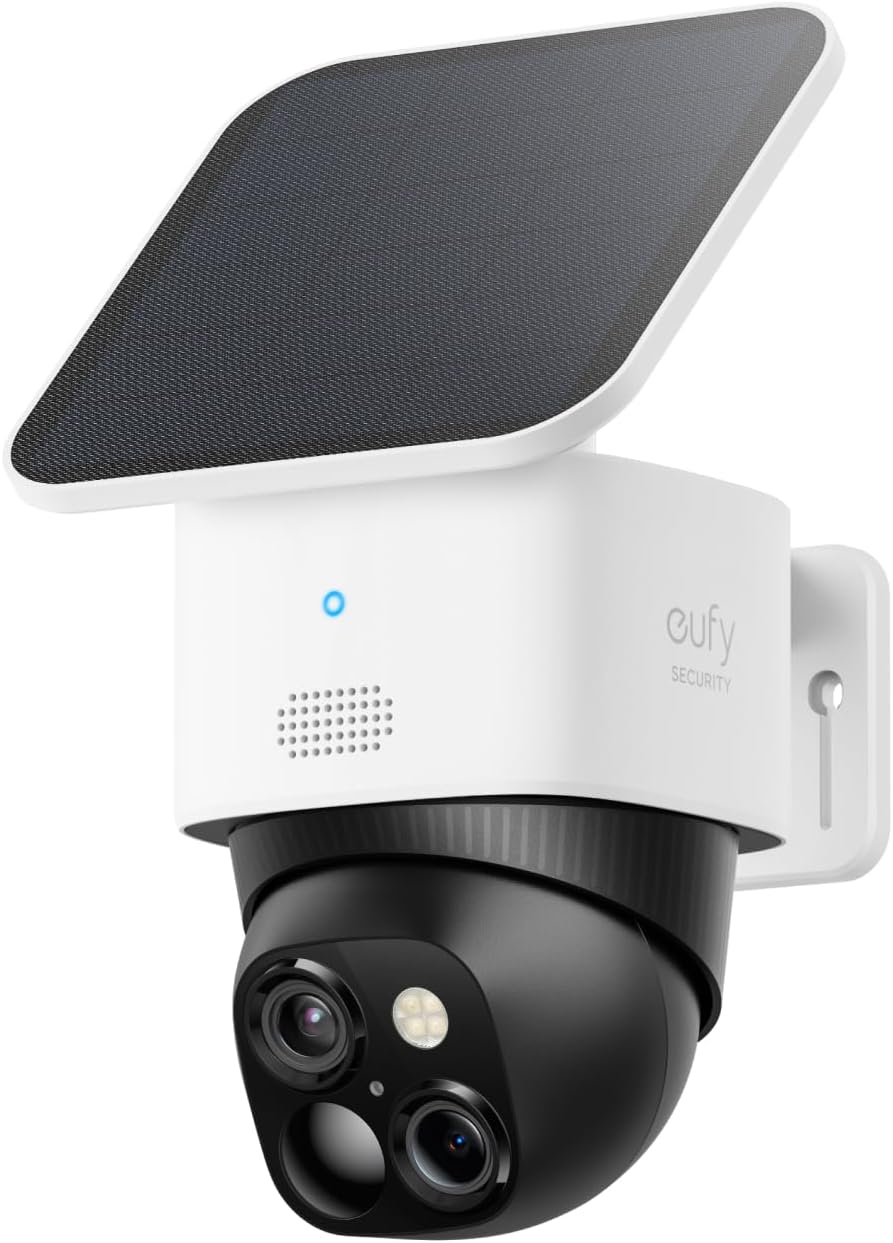 | Why it’s great: it gives sharp dual-camera coverage with 360° tracking and solar power for low-maintenance, subscription-free outdoor security. Ideal for: outdoor areas, driveways, front doors Price: $199.99 – $399.99 Buy Now |
Nest Indoor Wired Cam (3rd Gen)
Google’s wired indoor cam delivers excellent video quality, HDR imaging, and AI-enhanced recognition features. It pairs well with other Nest and Google devices.
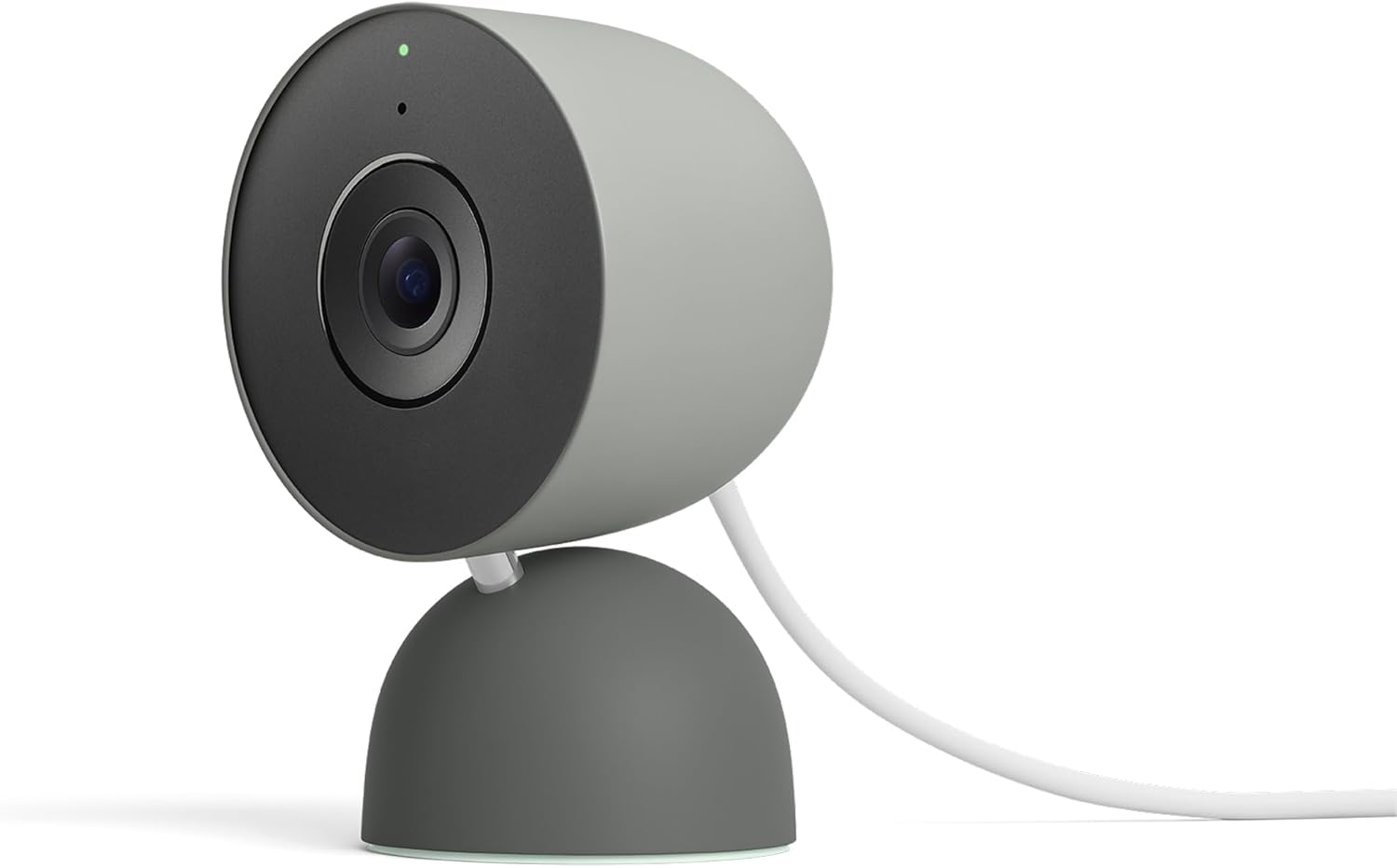 | Why it’s great: t delivers sharp HD video with smart motion/person alerts and seamless Google Home integration. Ideal for: keeping an eye on pets, kids, or a room at home with easy indoor monitoring and smart alerts Price: $74.99 – 99.99 Buy Now |
Smart Home Integration: What Works Together
Integration matters because it determines how easily your camera fits into your smart home ecosystem:
- Amazon Alexa: Works with Ring, Blink, and many third-party cameras.
- Google Home: Best with Nest and many newer cameras now supporting Matter protocols for broader compatibility. Recent updates expand Matter camera support across systems.
- HomeKit: Compatible with select models like Eufy (certain versions) and some TP-Link Tapo cameras.
Choosing cameras that integrate with your existing setup avoids frustration and unlocks useful features like voice control and automation.
Local Storage vs. Cloud Storage: Pros & Cons
Security cameras typically store footage in two ways:
Local Storage
- Saves videos to SD card or home hub (e.g., NVR).
- No ongoing subscription fees.
- Offers privacy and full control.
Good for: Users who want to avoid monthly fees and maximize privacy.
Cloud Storage
- Stores video online for access anywhere.
- Easier for remote review and backups.
- Often includes AI indexing and event history.
Good for: Users who want convenience and comprehensive remote access.
Common Mistakes to Avoid When Buying Home Security Cameras
Even with advanced technology available in 2026, many homeowners still make avoidable mistakes when choosing security cameras. Being aware of these pitfalls can save money and frustration.
One common mistake is prioritizing price over performance. Very cheap cameras may lack proper night vision, stable connectivity, or reliable motion detection. Another issue is ignoring internet bandwidth requirements – high-resolution cameras need strong Wi-Fi, especially if multiple cameras are installed. Users also often forget to check subscription costs, which can add up over time if cloud storage is mandatory.
Finally, placing cameras incorrectly, such as facing direct sunlight, reflective surfaces, or public areas can reduce effectiveness and even raise privacy concerns.
Privacy and Data Security Considerations in 2026
As cameras become smarter, data privacy has become a major concern. Modern security cameras continuously collect video, audio, and behavioral patterns, making it essential to choose brands that prioritize encryption and user control.
Look for cameras that offer:
- End-to-end encryption
- Local storage options
- Two-factor authentication
- Clear privacy policies
Brands like Eufy, TP-Link, and Reolink emphasize local storage, reducing reliance on cloud servers. Additionally, always change default passwords and regularly update firmware to prevent unauthorized access.
Tips for Choosing the Right Security Camera
Here are some practical tips to guide your decision:
- Define your needs: Indoor vs outdoor? Single camera or whole system?
- Consider power sources: Battery for flexibility, wired for constant power.
- Check storage options: Decide whether you prefer local SD or cloud.
- Think about ecosystem: Choose cameras that work with your smart home platform.
- Look at weather resistance: For outdoor cameras, verify IP ratings.
Maintenance Tips to Keep Your Security Cameras Working Effectively
Once installed, security cameras need occasional maintenance to perform optimally.
Best practices include:
- Cleaning camera lenses monthly
- Checking Wi-Fi signal strength
- Replacing batteries on time
- Updating firmware regularly
- Reviewing storage capacity
Outdoor cameras should be checked after heavy rain or dust storms to ensure the lens and housing remain intact.
The world of home security cameras in 2026 offers unprecedented choice and capability. Whether you’re on a budget or seeking sophisticated AI-powered surveillance, there’s a solution that fits your needs. From compact indoor cameras to premium outdoor systems with 4K resolution and smart alerts, the market is rich with options.
If you focus on key features like video quality, smart detection, storage flexibility, and ecosystem integration, you’ll be well-prepared to choose a camera that keeps your home safe and gives you peace of mind – day or night.